Quick Start
Get Dev Herald running in your CI pipeline in minutes.
Sign up to Dev Herald
Create an account at dev-herald.com and connect your GitHub account.
Create a Project and API Key
- Create a new project for your GitHub repository
- Generate an API key for the project
- Add the API key to your GitHub repository secrets as
DEV_HERALD_API_KEY
Create a Workflow
Add a workflow file at .github/workflows/pr-comments.yml:
name: Dev Herald PR Comments

on:
  pull_request:
    types: [opened, synchronize]

jobs:
  comment:
    runs-on: ubuntu-latest
    steps:
      - name: Post PR Comment
        uses: dev-herald/comment@v1
        with:
          api-key: ${{ secrets.DEV_HERALD_API_KEY }}
          pr-number: ${{ github.event.pull_request.number }}
          comment: |
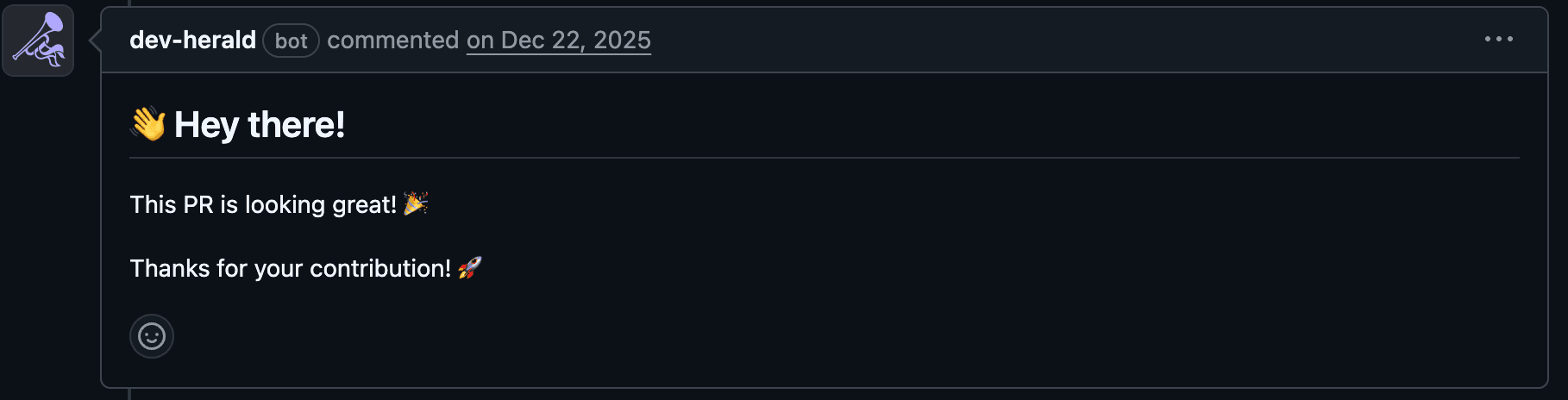
            👋 Hey there!

            This PR is looking great! 🎉

            Thanks for your contribution! 🚀
Push this to your repository, open a PR, and watch Dev Herald comment automatically.
Next Steps
- Explore Templates for structured comments (test results, deployments, etc.)
- Learn about Sticky Comments to update comments in place
- Use Markdown for custom formatting
Last updated on